CarPlay/Android Auto Linux System For Lexus IS/ISF, Lexus GS, Lexus LS, Lexus GX, Lexus ES OEM Screen LVDS Decoder Interface Box Multimedia Android Auto Wireless | FREE SHIPPING
CarPlay/Android Auto Linux System For Lexus IS/ISF, Lexus GS, Lexus LS, Lexus GX, Lexus ES OEM Screen LVDS Decoder Interface Box Multimedia Android Auto Wireless | FREE SHIPPING
Couldn't load pickup availability
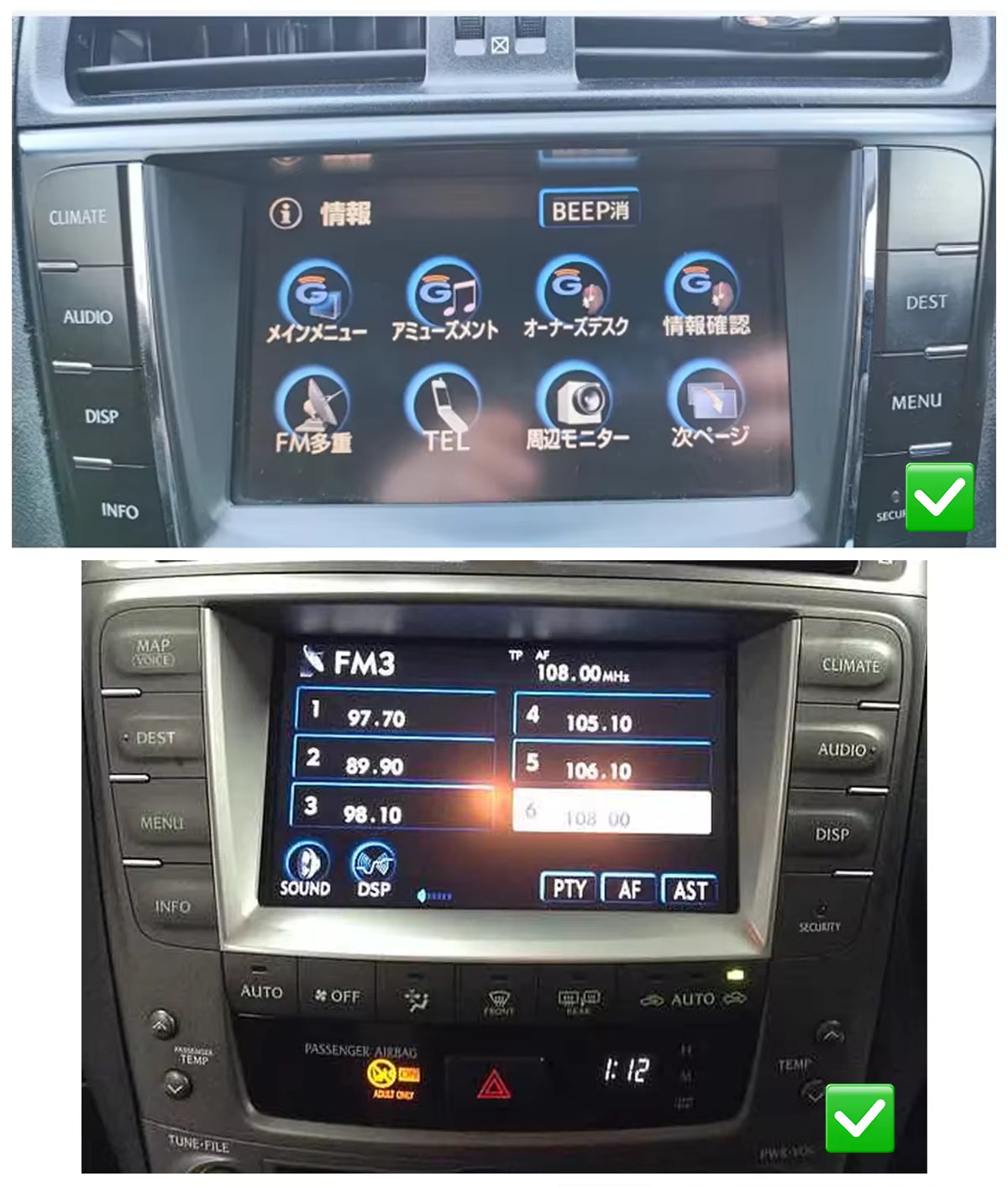
NOTE: For Japanese language screens - Please select relevant variant above.
Main Features
OEM Compatibility:
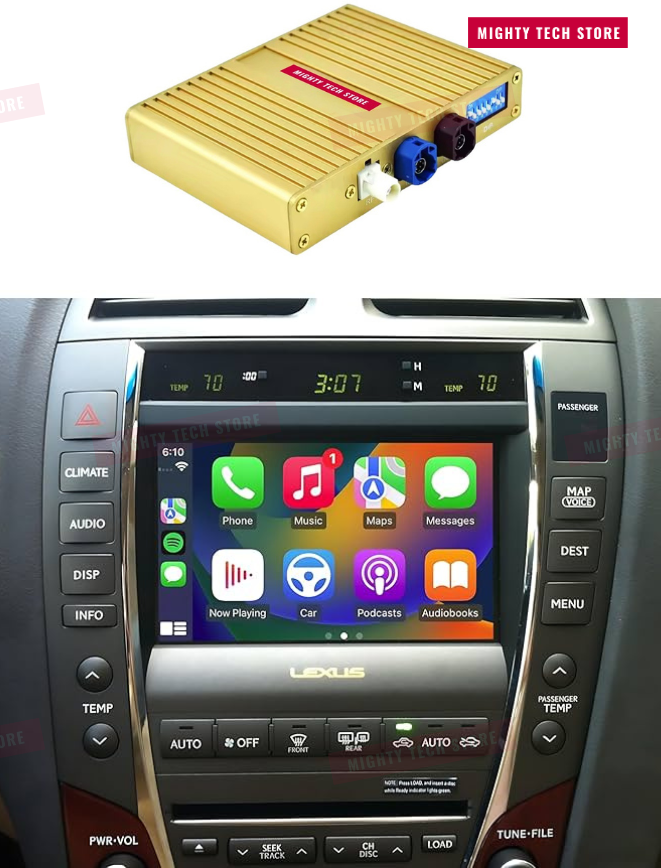
Designed specifically to fit original factory screens for Lexus IS / ISF models (2006–2012)
Easy Installation:
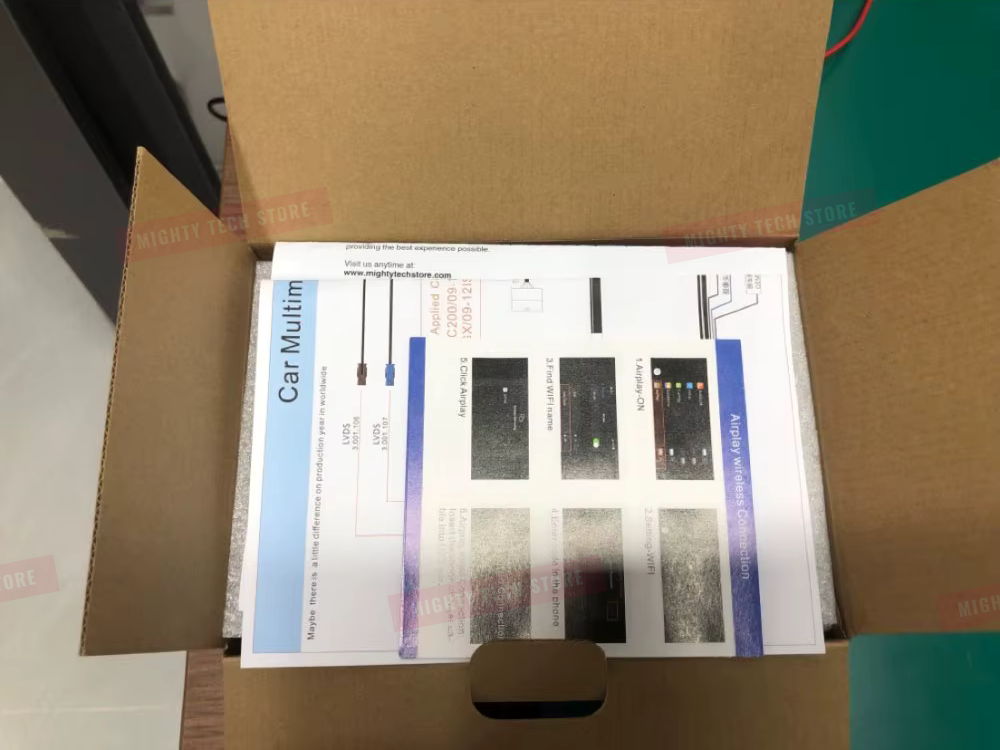
Plug-and-play design for hassle-free setup
Includes step-by-step installation video for guidance
Premium Audio Support:
Fully compatible with Mark Levinson and Dolby Audio systems.
IMPORTANT:
TO MAKE SURE OUR SOFTWARE WORKS PROPERLY, PLEASE CHOOSE YOUR CAR MODEL CORRECTLY AND AFTER YOU PLACE AN ORDER, EMAIL US THE FOLLOWING DETAILS AT support@mightytechstore.com
1. For 2005-2009:
Send a picture of the "MENU" Page to see if it is DVDmap.

2. For 2009-2012:
If your model is with no "MENU" button on the steering wheel, then take a picture of the reverse camera page.

SPECIFICATIONS & INSTRUCTIONS

Brand: DriveConnect ULTRA
Compatible Models: Lexus IS, ISF, GS, GX, LS, ES
Operating System: Linux
Processor: 8-Core Chipset
Memory: 4GB RAM

Connectivity & Integration
Built-in Wi-Fi connectivity
Supports 3G & 4G networks
CAN-Bus integration for seamless vehicle communication
Bluetooth support (calls & music streaming)
FM transmitter functionality
Smart Features
Apple CarPlay support
Smartphone screen mirroring (Mirror Link)
Built-in GPS navigation
Supports steering wheel controls.

Audio & Multimedia
Compatible with Mark Levinson audio systems
Built-in speaker and microphone
Additional Features
Supports mobile device & MP3 player charging
360-degree camera compatibility (camera sold separately)
Long Press VOICE Button to Switch OEM System to Linux System.
The DriveConnect ULTRA Interface brings CarPlay and Android Auto to your car’s display
while keeping all original features fully functional — use your AC, radio, and more from the factory system as usual.


How to Set Audio.
There are two ways to set the audio source for the Linux system: AUX or Bluetooth.
The sound from the Linux system is transmitted through
your car’s original AUX or Bluetooth connection.
1. Set AUX as Audio Source
Switch the original car system to AUX, then return to the Linux system. Audio will output through the vehicle’s built-in AUX channel.

2. Set Bluetooth as Audio Source
Learn how to set Bluetooth as the audio channel so the Linux system sends sound through the car’s original Bluetooth audio.
Still have questions? Email us at support@mightytechstore.com